

Let users verify instantly with QR code authentication
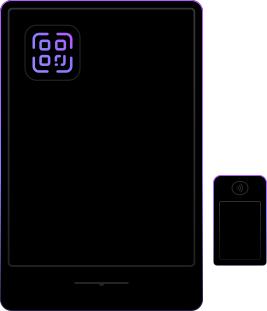
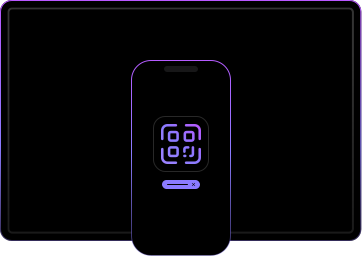
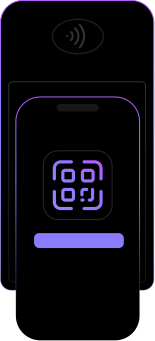
Let users log in to a desktop, kiosk, TV, or payment terminal by scanning a QR code with their mobile app. Cryptographic cross-device authentication that's instant, phishing-resistant, and requires no passwords or one-time codes.
.avif)






Passwordless cross-device authentication for any screen
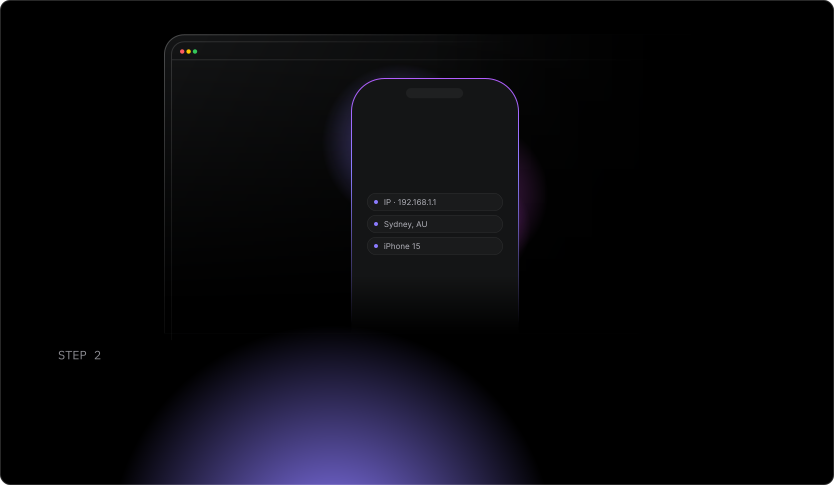
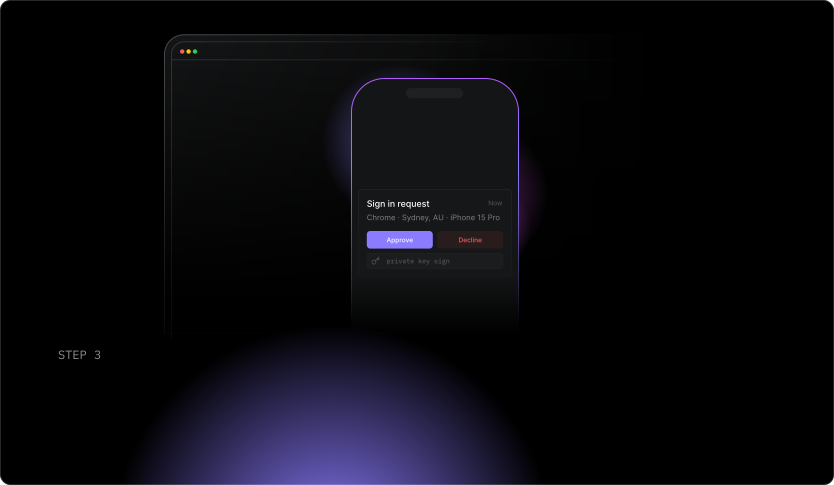
The private key never leaves the user's device. No codes are transmitted. No passwords are shared. When a user scans the QR code, they see the full context of the request on their phone, IP address, location, and device info, before they approve. It's cross-device authentication with a built-in trust check.
Deploy it with Authsignal's Web SDK to generate QR codes and Mobile SDK to respond to challenges, and trigger it anywhere in your user journey using the adaptive MFA rules engine.
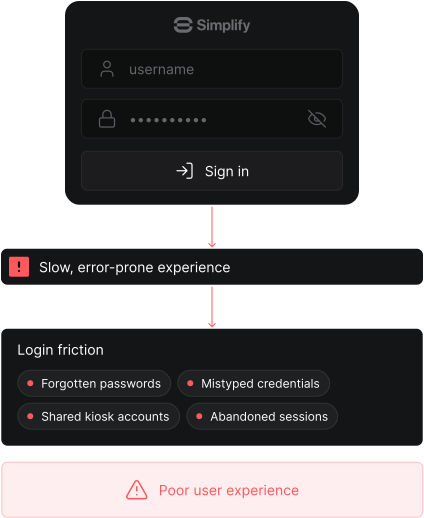
Traditional login
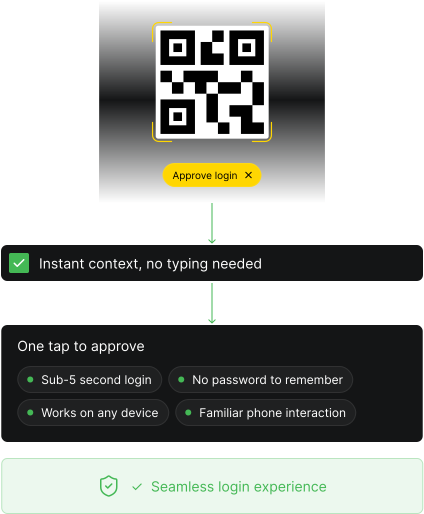
QR code authentication
How QR code authentication works
Cryptographic proof. Authentication complete.
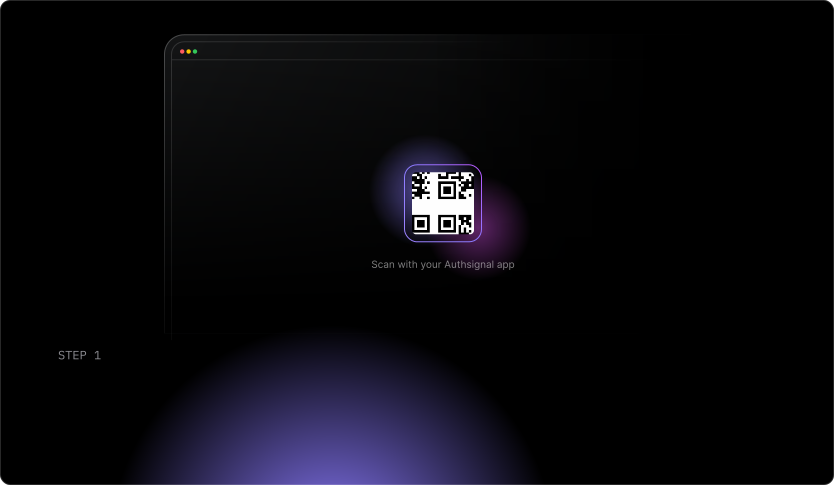
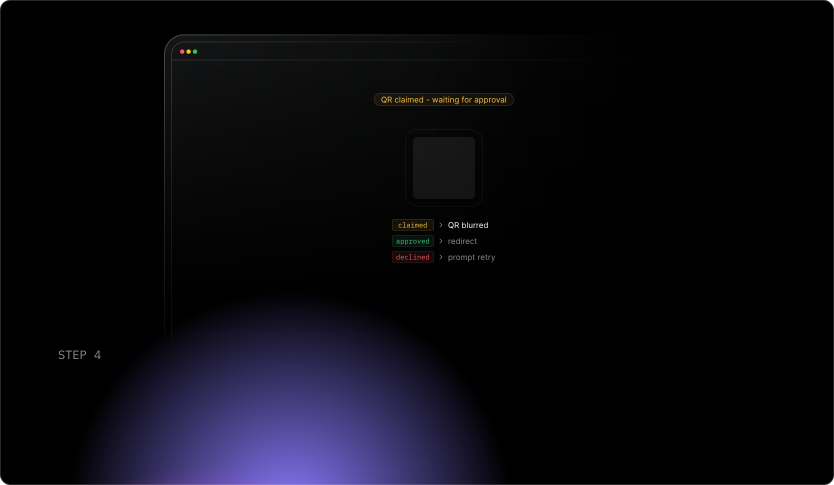
onstateChange callback fires on the originating device. Your UI can respond immediately, blur the QR code when claimed, redirect when approved, or prompt a retry when declinded.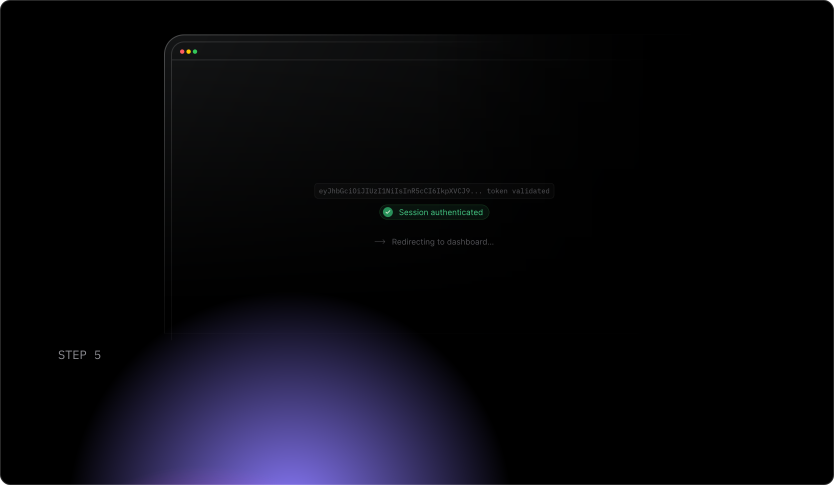
Key features
Cross-device login without credentials
Users authenticate on any screen using only their mobile device. No passwords typed on shared screens. No codes copied across devices. Works out of the box with any device.
Real-time state updates via WebSocket
The originating device gets instant state updates as the challenge moves from generated to claimed to approved or declined. Use these to update your UI in real time and redirect when approved.
Context shown to the user before approval
When a user scans a QR code, they see the request context on their phone including IP address, location, device info, and any custom data you pass. This lets them make an informed decision before approving.
Works for anonymous and identified challenges
Generate QR code challenges claimable by any user, ideal for kiosks and shared screens, or lock them to a specific user ID for higher-assurance flows. No extra config needed.
Adaptive MFA built in
Connect QR code authentication to Authsignal's rules engine. Run risk rules on the action based on transaction value, velocity, and location. Only trigger a step-up challenge when risk warrants it.
Web and Mobile SDK in one integration
The Web SDK handles QR code generation on the originating device. The Mobile SDK handles scanning, claiming, and approving on the user's phone. One platform, two SDKs.
Use cases
Built for every screen your users stand in front of.

Code preview
QR code authentication in your app in minutes.
const { data } = await authsignal.qrCode.challenge({
  action: "signIn",
});

displayQRCode(data.challengeId);await authsignal.qr.claimChallenge(
challengeId: challengeId
)
await authsignal.qr.updateChallenge(
challengeId: challengeId,
approved: true
)const response = await authsignal.validateChallenge({
action: "signIn",
token: "eyJhbGciOiJIUzI....",
});
if (response.state === "CHALLENGE_SUCCEEDED") {
// Session authenticated
}const { data } = await authsignal.qrCode.challenge({
action: "signIn",
});
displayQRCode(data.challengeId);authsignal.qr.claimChallenge(
challengeId = challengeId
)
authsignal.qr.updateChallenge(
challengeId = challengeId,
approved = true
)const response = await authsignal.validateChallenge({
action: "signIn",
token: "eyJhbGciOiJIUzI....",
});
if (response.state === "CHALLENGE_SUCCEEDED") {
// Session authenticated
}const { data } = await authsignal.qrCode.challenge({
action: "signIn",
});
displayQRCode(data.challengeId);await authsignal.qr.claimChallenge({
challengeId: challengeId
})
await authsignal.qr.updateChallenge({
challengeId: challengeId,
approved: true
})const response = await authsignal.validateChallenge({
action: "signIn",
token: "eyJhbGciOiJIUzI....",
});
if (response.state === "CHALLENGE_SUCCEEDED") {
// Session authenticated
}const { data } = await authsignal.qrCode.challenge({
action: "signIn",
});
displayQRCode(data.challengeId);await authsignal.qr.claimChallenge(
challengeId: challengeId
)
await authsignal.qr.updateChallenge(
challengeId: challengeId,
approved: true
)const response = await authsignal.validateChallenge({
action: "signIn",
token: "eyJhbGciOiJIUzI....",
});
if (response.state === "CHALLENGE_SUCCEEDED") {
// Session authenticated
}Free to start.
Works with your existing identity stack.
Pair it with different authentication methods
Pair in-app verification with the right method for every scenario.
In-app verification
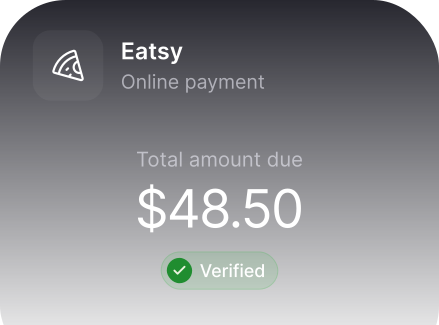
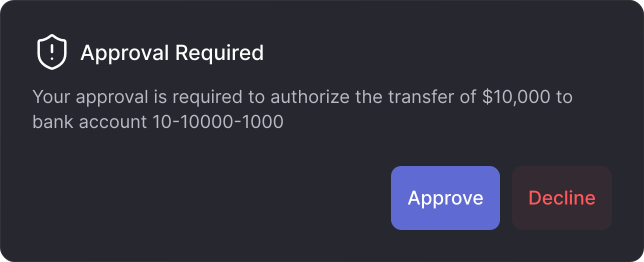
Silently verify high-risk actions on the user's own device
Push verification
Approve high-risk actions with a single tap on a push notification
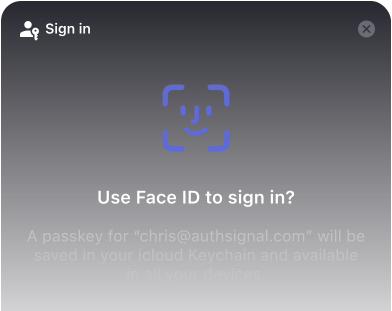
Passkeys
The strongest, most user-friendly passwordless authentication available
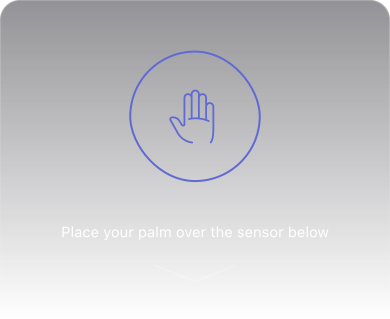
Biometric authentication
Face and palm biometrics for high-assurance mobile identity
Every screen is an authentication opportunity. Make it seamless.
Add QR code authentication to your desktop, kiosk, TV, or payment terminal and give users a faster, safer way to prove who they are without touching a keyboard.
Frequently asked questions
What is QR code authentication?


QR code authentication is a cross-device login method where a user scans a QR code displayed on one screen (a desktop, kiosk, TV, or terminal) with their enrolled mobile app to authenticate. It uses public key cryptography, so no passwords or codes are transmitted.
How is QR code verification different from in-app verification?
In-app verification silently authenticates a user on the same device they're already using. QR code verification is designed for cross-device scenarios where the challenge originates on one screen and is approved on another.
Can I show users context before they approve a QR code challenge?
Yes. When a user scans the QR code, the Mobile SDK surfaces the context of the originating request including IP address, location, device info, and any custom data you pass, so they can verify the request is legitimate before approving.
Can QR code challenges be claimed by any user or locked to a specific user?
Both. You can generate anonymous challenges claimable by any enrolled user, ideal for shared kiosks, or track an action for a specific user ID to lock the challenge to that user for higher-assurance flows.
Does QR code verification work without WebSockets?
Yes. The Web SDK defaults to WebSocket connections for real-time state updates but supports a polling fallback via REST API for environments that don't support WebSockets.
Does QR code authentication satisfy strong customer authentication (SCA) requirements?
Yes. Cryptographic, device-bound QR code verification meets possession-based SCA requirements under PSD2, RMiT, and PCI DSS. Talk to our team for jurisdiction-specific compliance guidance.