


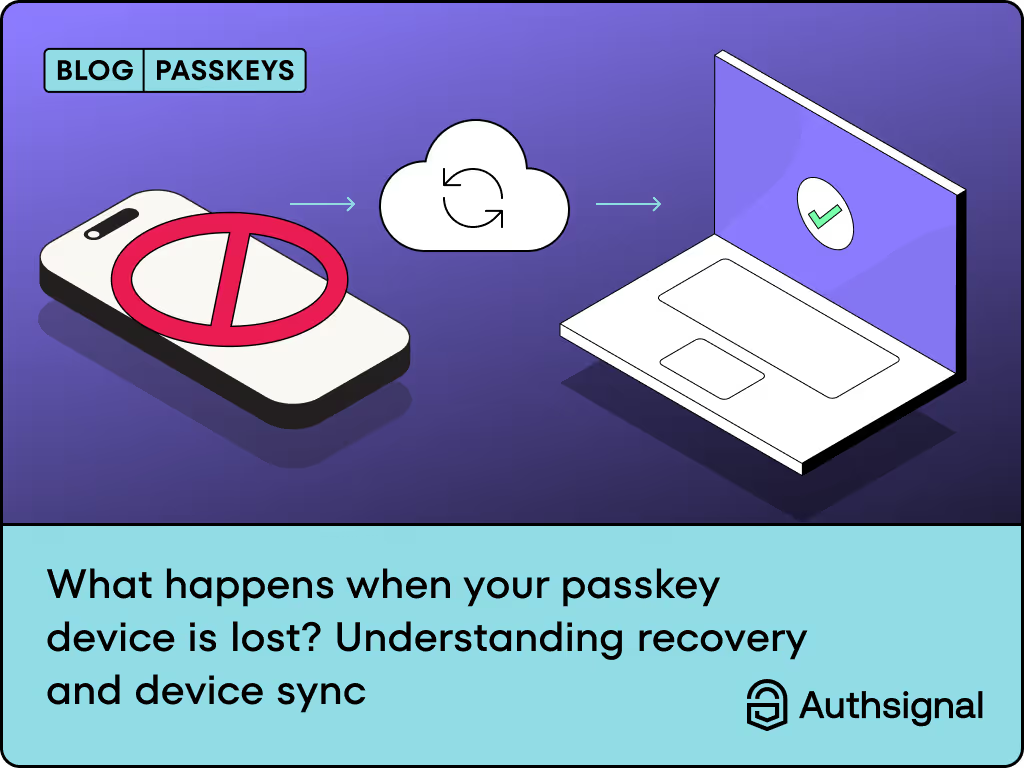
When your device contains passkeys for your banking, work applications, and personal accounts, losing it raises immediate concerns. Will you be able to access anything? Are those passkeys gone forever?
This scenario represents one of the most common concerns we hear from users and businesses considering the move to passwordless authentication. But the way passkeys are designed actually makes this situation far less problematic than losing a device with traditional password-based authentication.
The reality of device sync: Your safety net is already in place
If a passkey device is lost, users can still access their accounts because passkeys are synchronized across the user's ecosystem, such as Apple iCloud Keychain, Google Password Manager, or via a third-party password manager. This synchronization happens automatically in the background, creating multiple copies of your passkeys across your trusted devices.
When you set up a passkey on your iPhone, it automatically syncs to your iPad, Mac, and any other Apple devices signed into the same iCloud account. The same principle applies to Google's ecosystem and third-party password managers like 1Password or Bitwarden. It's like having distributed backups that you never have to think about.
How different ecosystems handle device sync
The major tech platforms have each developed their own approach to passkey synchronization:
Apple's Approach: Passkeys sync across a user's devices using iCloud Keychain. iCloud Keychain is end-to-end encrypted with strong cryptographic keys not known to Apple. This means your iPhone passkey is automatically available on your iPad, Mac, and Apple Watch.
Google's Breakthrough: Google recently made waves by becoming the first among the big three tech giants to offer cross-platform passkey syncing natively. Now, if the passkey is created on an Android device, it can be accessed across all major platforms (macOS, Windows, Android), provided the user is logged into their Google account in Chrome.
Microsoft's Current State: While Microsoft offers device-bound passkeys through Windows Hello, they haven't yet rolled out cross-device synchronization. However, with the next Windows 11 update, this feature will finally be rolled out to users.
When device loss actually becomes a problem
While device sync solves most scenarios, there are still situations where losing a device can cause access issues:
The single-device scenario
If you've only set up a passkey on one device and haven't enabled cloud sync, losing that device does lock you out. This is why it's crucial to understand and enable the sync features available in your chosen ecosystem.
The complete ecosystem loss
Losing access to your entire Apple ID, Google account, or password manager account presents a more serious challenge. This is where the real complexity lies, but it's also where recovery mechanisms come into play.
Platform switching
Apple and Google do not sync passkeys between their ecosystems. If you switch from an iPhone to an Android device (or vice versa), you'll need to re-register passkeys or use cross-device authentication methods.
Recovery mechanisms
Even with robust sync capabilities, comprehensive recovery options are essential. The strength of these recovery methods should match the security level of your primary authentication:
Traditional recovery methods
Most services offer fallback options like email or SMS OTP for account recovery. However, your account is only as secure as your weakest authentication method. If you use super-secure passkeys but your fallback method is a simple email one-time password (OTP), then your overall security is only as strong as that email OTP.
Advanced recovery for high-security environments
For businesses dealing with sensitive data or operating in regulated industries, advanced ("smart") recovery solutions go beyond simple email or phone OTP. They often involve digital identity verification (IDV), photo ID checks, and liveness checks.
Apple's specific recovery process
Apple has implemented a particularly robust recovery system. To recover a keychain, a user must authenticate with their iCloud account and password and respond to an SMS sent to their registered phone number. After they authenticate and respond, the user must enter their device passcode. The system allows only 10 attempts before requiring contact with Apple Support.
The cross-device authentication bridge
One of the most elegant solutions for device loss scenarios is cross-device authentication. Even if your primary device is lost, you can often still access your accounts using passkeys from another device through QR code scanning or Bluetooth proximity.
When a passkey is stored on an iPhone and the user is trying to sign in on an Android app that doesn't have a passkey on it, the user can choose to "use a different phone or tablet" to show a QR code on the Android device, then scan it using the iPhone and authenticate cross-device.
This feature acts as a bridge between your devices and can be a lifesaver in situations where sync hasn't occurred or you're using a new device.
Best practices for passkey resilience
Based on our experience at Authsignal working with organizations implementing passkey authentication, here are the key strategies for ensuring users never get locked out:
Enable cloud sync from day one
Make sure users understand the importance of enabling cloud synchronization. For Apple users, this means keeping iCloud Keychain active. For Google users, it's about staying signed into Chrome with their Google account.
Register multiple passkeys
When cloud sync is enabled (like iCloud Keychain or Google Password Manager), your passkeys automatically work across all your synced devices. However, it's still good practice to actively use passkeys on multiple devices to ensure they're properly synced and working. Additionally, consider setting up passkeys on devices that might not be part of your main ecosystem (like a work computer) for added redundancy. For more details on the differences between synced and device-bound passkeys, see our guide on synced vs device-bound passkeys.
Implement adaptive recovery policies
Smart recovery systems can adjust security requirements based on risk factors. If recovery is from a previously used device, a magic link or app-based OTP may be sufficient. If the attempt comes from a new device and unusual IP address, the system triggers additional verification steps. For a comprehensive look at recovery strategies, read our detailed analysis on passkey recovery and fallback methods.
Maintain alternative authentication methods
While working toward a passwordless future, maintain backup authentication methods that match your security requirements. This might include authenticator apps, recovery codes, or biometric verification with passkey binding depending on your use case. For high-security environments, consider implementing high-assurance biometrics that can be bound to passkeys for stronger authentication and recovery processes.
The user education component
One of the biggest challenges isn't technical but educational. Users need to understand how passkey sync works and what steps they should take to protect themselves. Clear communication about recovery options and sync capabilities can dramatically reduce support tickets and user anxiety.
We recommend providing users with:
- Clear explanations of how their passkeys are backed up
- Step-by-step guides for setting up passkeys on multiple devices
- Transparent information about what happens if they lose their device
- Easy access to recovery options when needed
For developers implementing passkeys, understanding how passkeys work technically can help in designing better user education materials.
The evolution of passkey recovery
The passkey ecosystem is rapidly evolving. It's important to monitor developments around the Digital Credentials API, as this will likely become an important method for account setup and recovery in the future, especially with the rollout of initiatives like the EU Digital Identity Wallet.
As more platforms adopt cross-ecosystem passkey sharing and recovery mechanisms become more sophisticated, the "lost device" problem will continue to diminish. We're moving toward a future where authentication is both more secure and more resilient than what we have today.
Passkeys are more resilient than you think
Losing a device with passkeys isn't the disaster many people fear it to be. With proper setup, your passkeys are automatically backed up across your devices and protected by robust recovery mechanisms. The key is understanding these systems and taking advantage of them from the start.
While no security system is perfect, the combination of device sync, cross-device authentication, and thoughtful recovery policies makes passkeys far more resilient than traditional password-based systems. The goal isn't to eliminate every possible failure scenario but to create a system that's both more secure and more user-friendly than what came before.
For businesses considering passkey implementation, the focus should be on educating users about these recovery mechanisms and implementing fallback policies that match your security requirements. With the right approach, you can offer users the convenience and security of passkeys while ensuring they're never locked out of their accounts. Authsignal makes it easy to add passkey authentication to your application with built-in fallback options and adaptive security policies. Contact us to get started.
.svg)


